Templates
A template is a document you send more than once, with the fields already placed and the people described as roles. Templates come with the Pro and Business plans. Every picture on this page is of an example engagement letter from Hazlett Rowe LLP, whose clients’ names are made up.
Browse guides
On this page
Making one
Start from a file or from a document you have already prepared, and decide who else may change it.
Upload a file and place fields, exactly as for a document, or turn a document you have already prepared into a template: its recipients become roles named after those people, its fields keep their places, and any values are left behind. Anyone in the workspace may use a template. Who may change it is up to its creator, admins and owners: everyone, or only those three.
Swapping the file later keeps every field that still has a page to sit on and tells you which ones did not. Archiving a template takes it out of the way without breaking anything already sent from it; it can be restored or duplicated at any time.
Unsaved template edits use the same 24-hour device recovery as document drafts. Review recovered changes before restoring; a newer saved template stays protected.
Roles
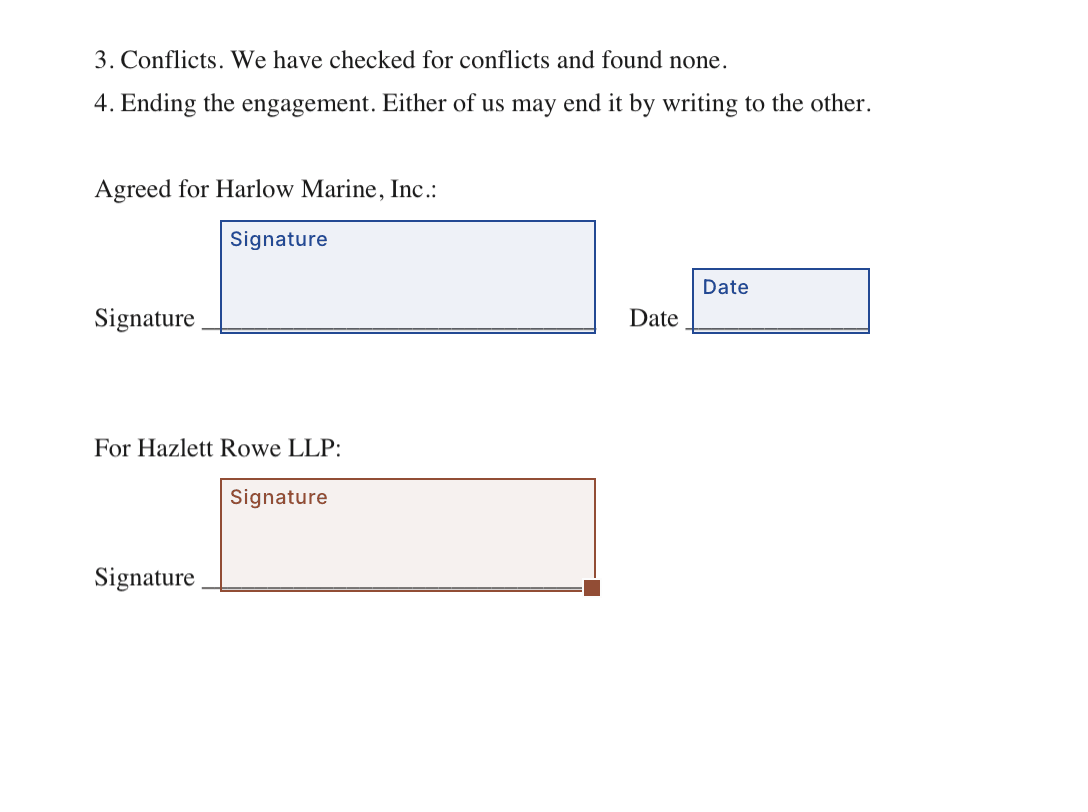
A role is a place in the signing order that you name when you use the template, or pin to one person for good.
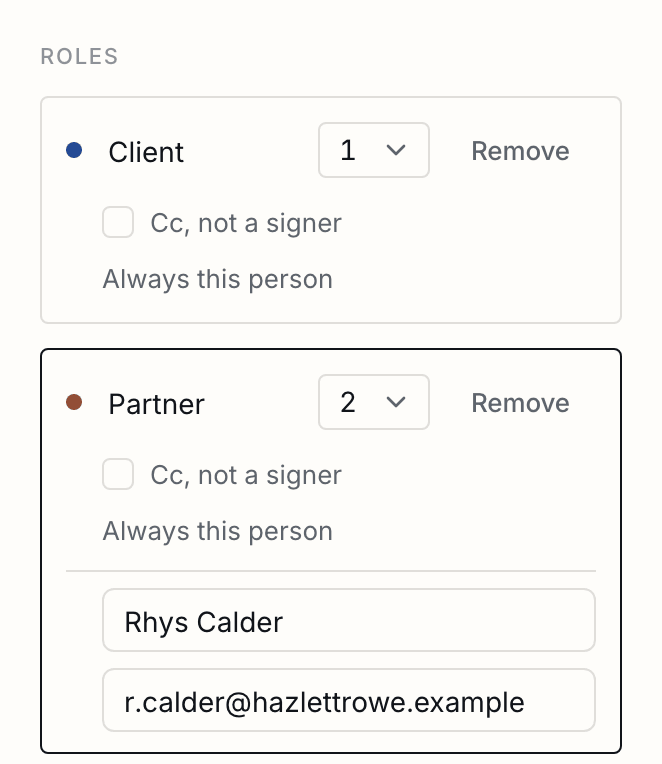
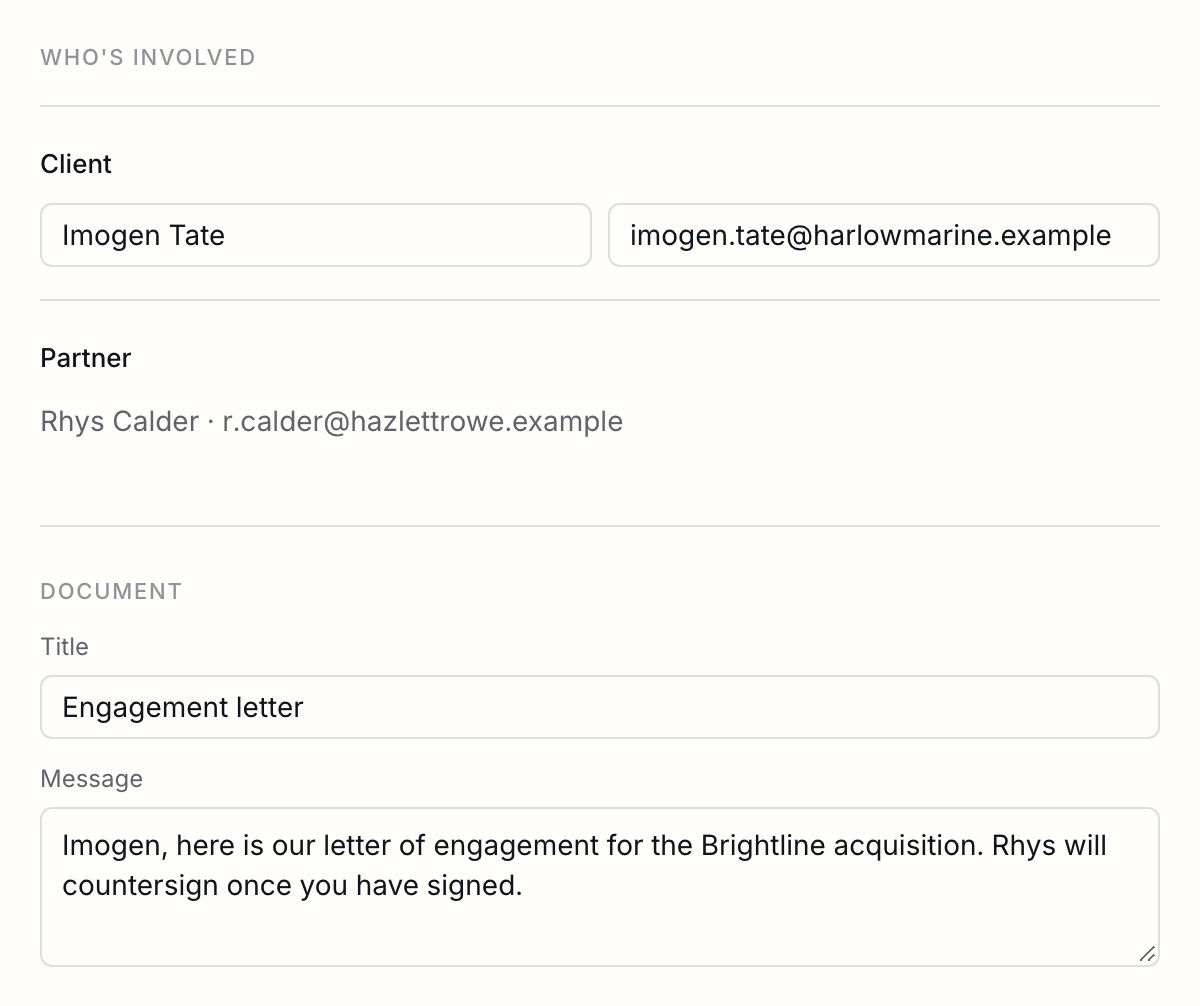
Each role is a signer or receives a copy, and has a place in the signing order. When you use the template you name the person for each role. A role can instead be pinned to one person, name and email, and then needs no input: your own signature on every offer letter, or the landlord on every lease. Role names must be unique within a template.
Reminders and the deadline
A template can carry its own reminder days and deadline, and every document made from it starts that way.
A template can carry its own schedule: how long its documents stay open, from 7 to 90 days, and when signers are reminded, including never. Every document made from it starts that way, whether it comes from the app, a public link, a bulk send, the API or an agent. Whoever sends a document can still change its schedule before sending, and that never alters the template. A template with no schedule of its own uses the usual one: 30 days, with reminders on day 3 and day 7.
Public links
One link anybody can open to play a single signer role, with every other role pinned.
A template can have one public link, off until you turn it on. A visitor who opens it gives their name and email and plays one signer role; every other role must be pinned to a person, so nothing about the visitor is ever guessed. The link is a token and nothing else: no workspace, template or document id is in it.
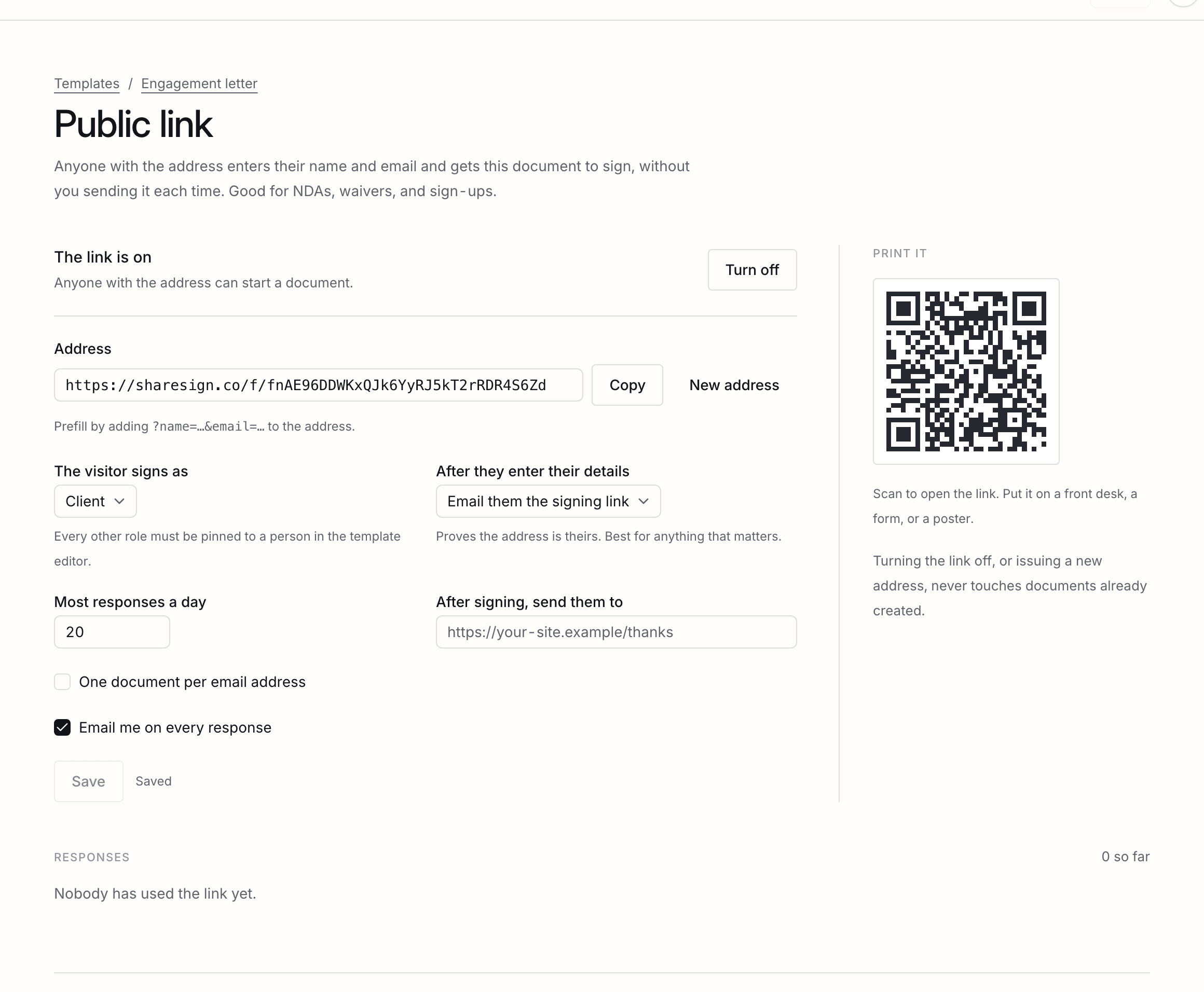
| Mode | Email: the visitor is sent their signing link, which also confirms the address. Instant: they sign there and then. |
|---|---|
| Daily cap | From 1 to 500 documents a day, so a link that is shared further than you meant cannot empty your allowance. |
| One per email | Optionally, an address that has already submitted is refused. |
| Afterwards | Optionally, the visitor is sent to an https address of yours. You can be told of each submission, and every submission is listed with the document it made. |
| Rotating | A new URL kills the old one at once; documents already created are untouched. |
Bulk send
A spreadsheet and a template make one document a row, reviewed before anything is sent.
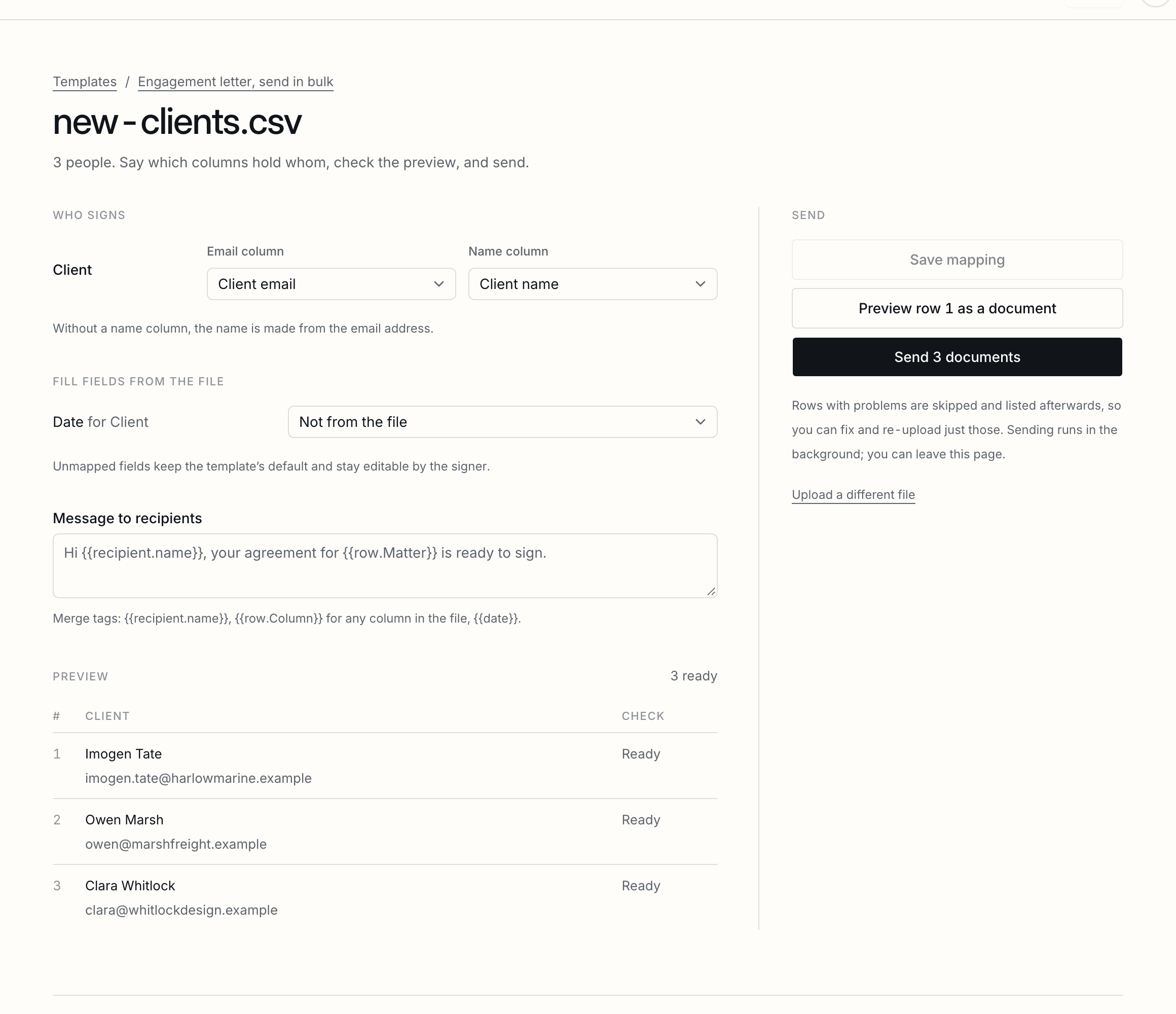
On the Business plan, a spreadsheet and a template make one document per row. You map columns to roles and fields, review what would go wrong before anything is sent, and can look at row one as a real draft first. Every row is idempotent on its document, so a retry never sends anyone twice, and a row that fails records why while the rest carry on. The results come back as your original columns with a status, a signed date and a link per row, and every signed PDF can be fetched as one zip. In messages and defaults, {{row.Column}} reads a cell by its header.
Every year
A bulk send that goes again on its anniversary, with two weeks' notice to change the list or stop it.
A policy everyone acknowledges each year, such as the employee handbook or a code of conduct, goes again by itself. Tick Send again every year on a batch, before or after it goes. Two weeks before the anniversary of the day it went, next year’s is made ready with the same template, columns and message, and whoever set it up is emailed the day and how many people it goes to.
Until that day, replace the list with that year’s spreadsheet, so leavers drop off and new starters are on it; change the message; or stop it, which ends the yearly send. If nothing changes, it goes on the day as if you had pressed Send, and waits for approval first where your sends do. If it cannot go, say because nobody on the list has a valid email address, it stays a draft and you are told why. Each year’s comes round again a year after it goes, until you untick it.
From code
Sending from a template is one call: the people for each role, any prefill, and whether to send.
Sending from a template is one API call: name the people for each role, pass any prefill, and say whether to send. The API reference shows it in curl, TypeScript and Python, filled in with your own template.
Tell us what you were trying to do and we will fix the page. Write from the support page.
Last changed 18 September 2026.